Create with AI
The fastest way to start a workflow is to describe it in plain English and let Toolblox's AI draft it for you. You type what you want, and it produces a first version of the workflow — the asset, its states and its transitions — ready for you to refine.
Generate a new workflow
- Sign in and open app.toolblox.net.
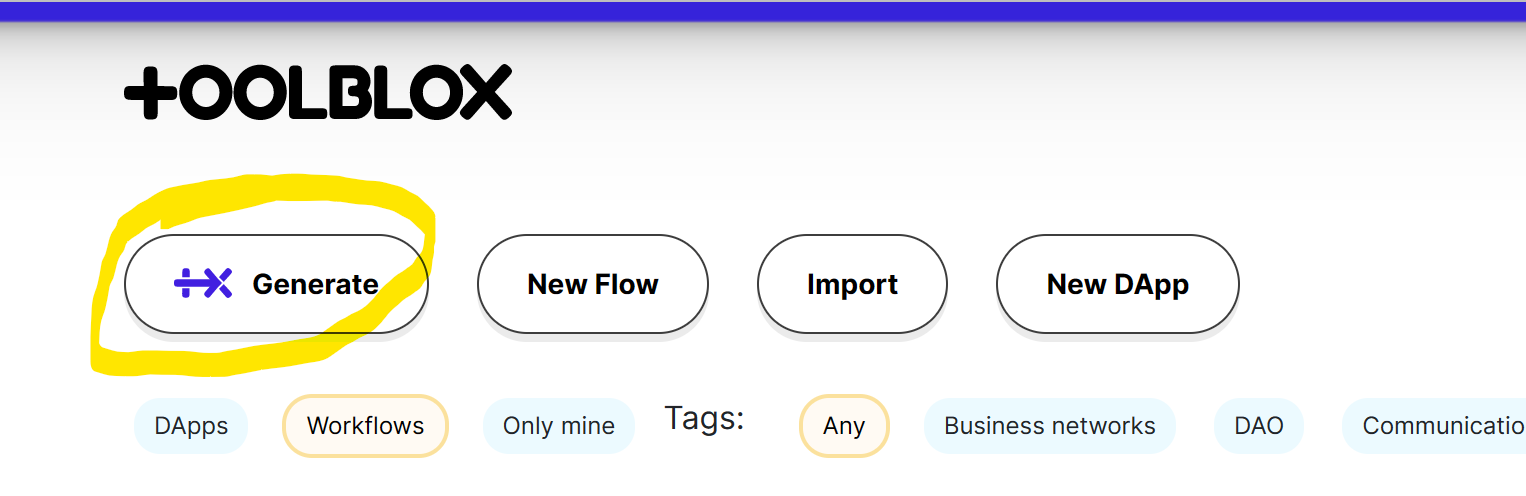
- On the home screen (List of flows) click New smart-contract. The Generate smart-contract workflow window opens.
- Describe the process you want in everyday language. Mention who does what at each step.
- Click Generate and wait a few seconds while the AI drafts the workflow. It is then saved and opened in the editor.
Describe the lifecycle of an object, document or service, and name the people involved. For example:
"A freelance job contract. A client posts a job with a budget. A freelancer accepts it and does the work. The client reviews the result and releases the payment, or asks for changes."
The more clearly you spell out the steps and the roles, the better the first draft.
Refine it with the AI assistant
AI drafts are a starting point, not the finished product. Inside the editor click Open AI Assistant to change the workflow with further instructions, such as:
- "Add a step for a manager to approve the document before it is sent out."
- "Add a delivery deadline and reject the order if it is missed."
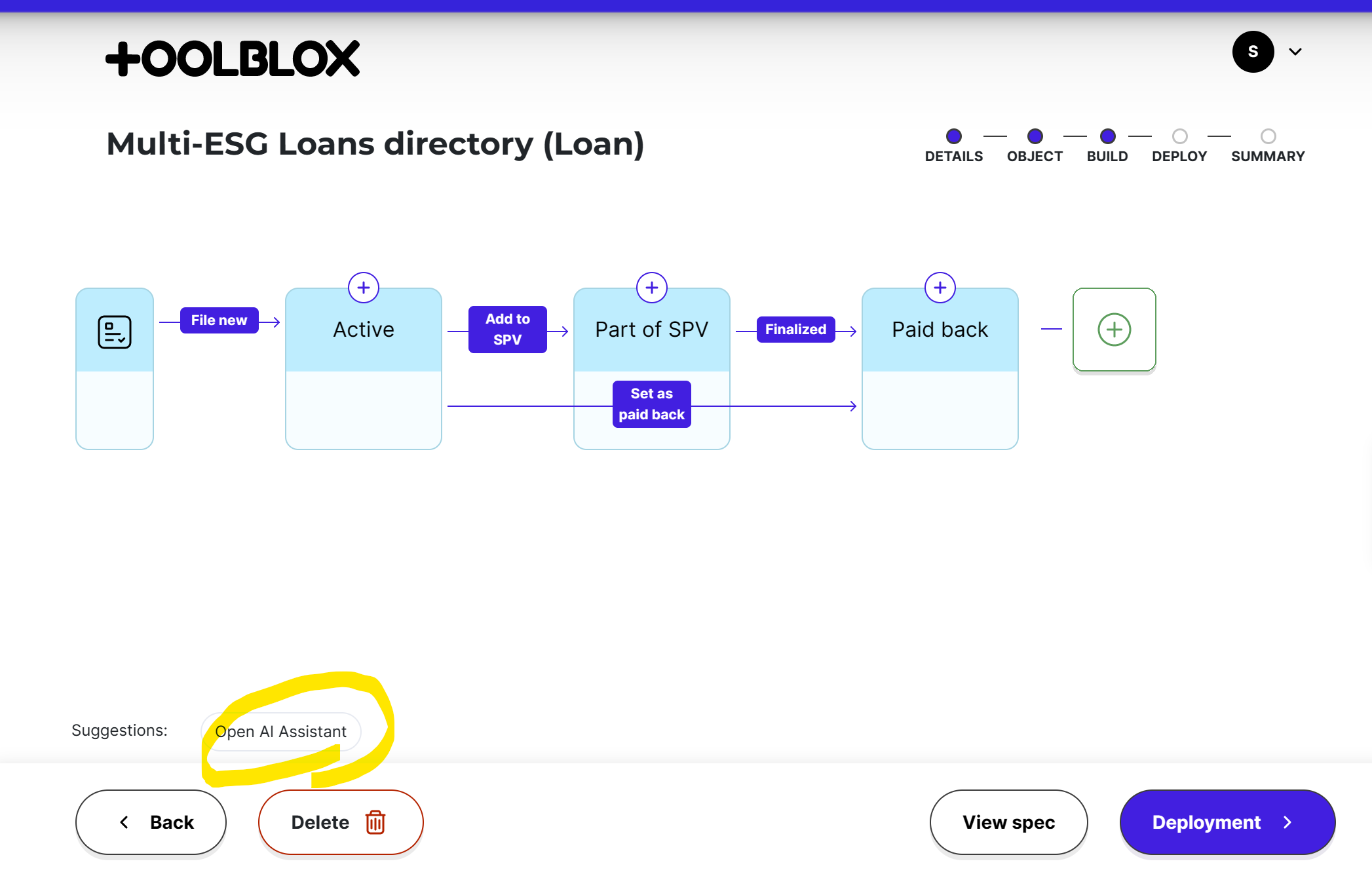
The AI updates the current workflow in place. If a generation goes wrong or corrupts your workflow, reload the page immediately before making other changes. It's good practice to save meaningful versions to a testnet as you go.
AI can make mistakes or use a structure that isn't valid. Go through every state and transition and confirm the workflow really does what you intend — especially access restrictions and payments. The visual editor is where you check and adjust everything.
Prefer to type in ChatGPT?
You can also create workflows from ChatGPT using the Toolblox GPT — describe the contract in a chat and open the result straight in Toolblox.
Next steps
- The visual editor — review and refine the draft.
- Build a contract from scratch — prefer full manual control? Start empty instead.
- Deploy your smart contract — when it's ready, go live.
- AI workflow generation — more on how AI generation behaves and its limits.